| Import |
Standard Features |
Feasible Features |
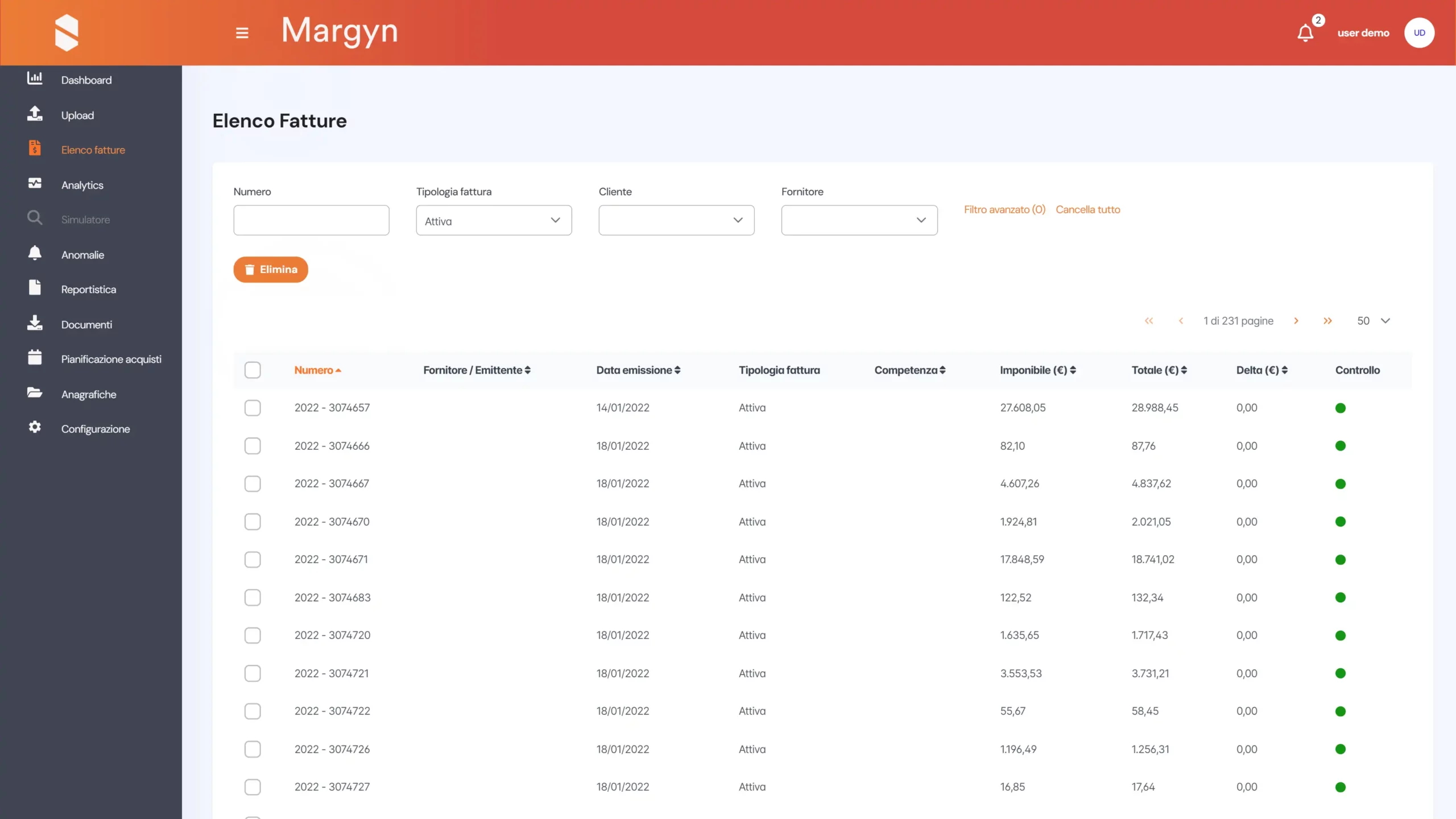
Import invoices from .xls/.csv/.xml files
Automatically import supplier invoices relating to the purchase of wholesale energy and transmission services directly from the XLS/CSV files provided by the supplier, and import customer invoice files generated by invoicing CRMs by uploading the files directly to the platform or by configuring integrated automation features for automatic download (redirecting invoices to a dedicated email address, accessing the supplier portal, sharing an FTP folder, etc.)
|
✓ | ✓ |
| Check |
Standard Features |
Feasible Features |
Invoice verification
It enables you to check the financial accuracy of an electricity and natural gas supply bill by verifying that the contractual terms agreed with the supplier and all ARERA regulations have been correctly applied. Margyn automatically updates to reflect the regulations in force for the relevant period and contains a historical record dating back to 2019, allowing you to check bills from previous periods as well.
|
✓ | ✓ |
Report in support of the complaint against the supplier (Report on errors detected)
This allows you to download a report containing all the information automatically calculated by MARGYN for the verification of supplier invoices. This enables the user to independently report any issues to the supplier.
|
✓ | ✓ |
| Analysis |
Standard Features |
Feasible Features |
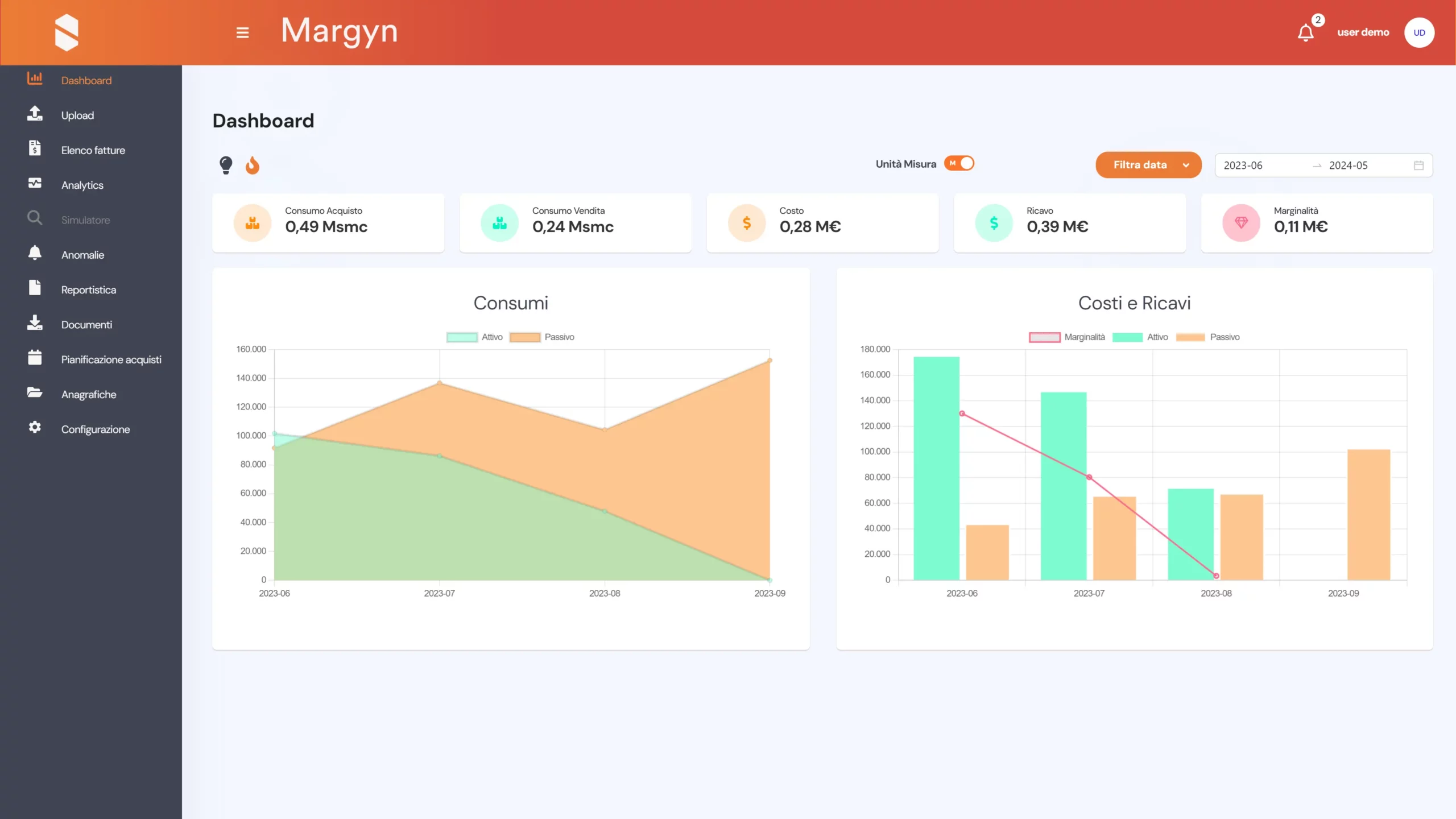
Web Dashboard
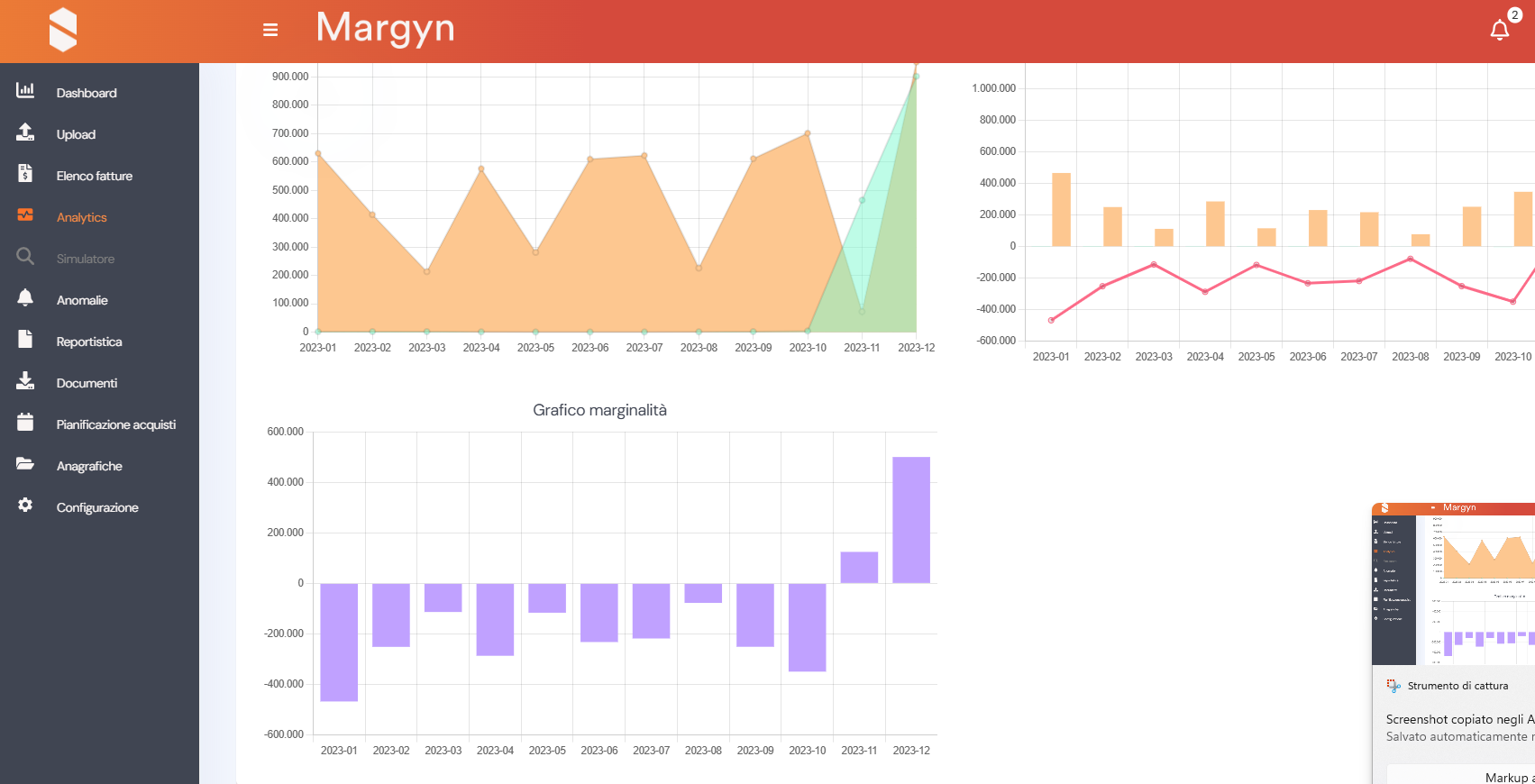
It allows users to view a range of indicators and charts relating to the energy data processed by the platform. Users can obtain an overview showing a comparison of active and reactive consumption, as well as the amounts relating to costs and revenues, with an indication of the total margin.
|
✓ | ✓ |
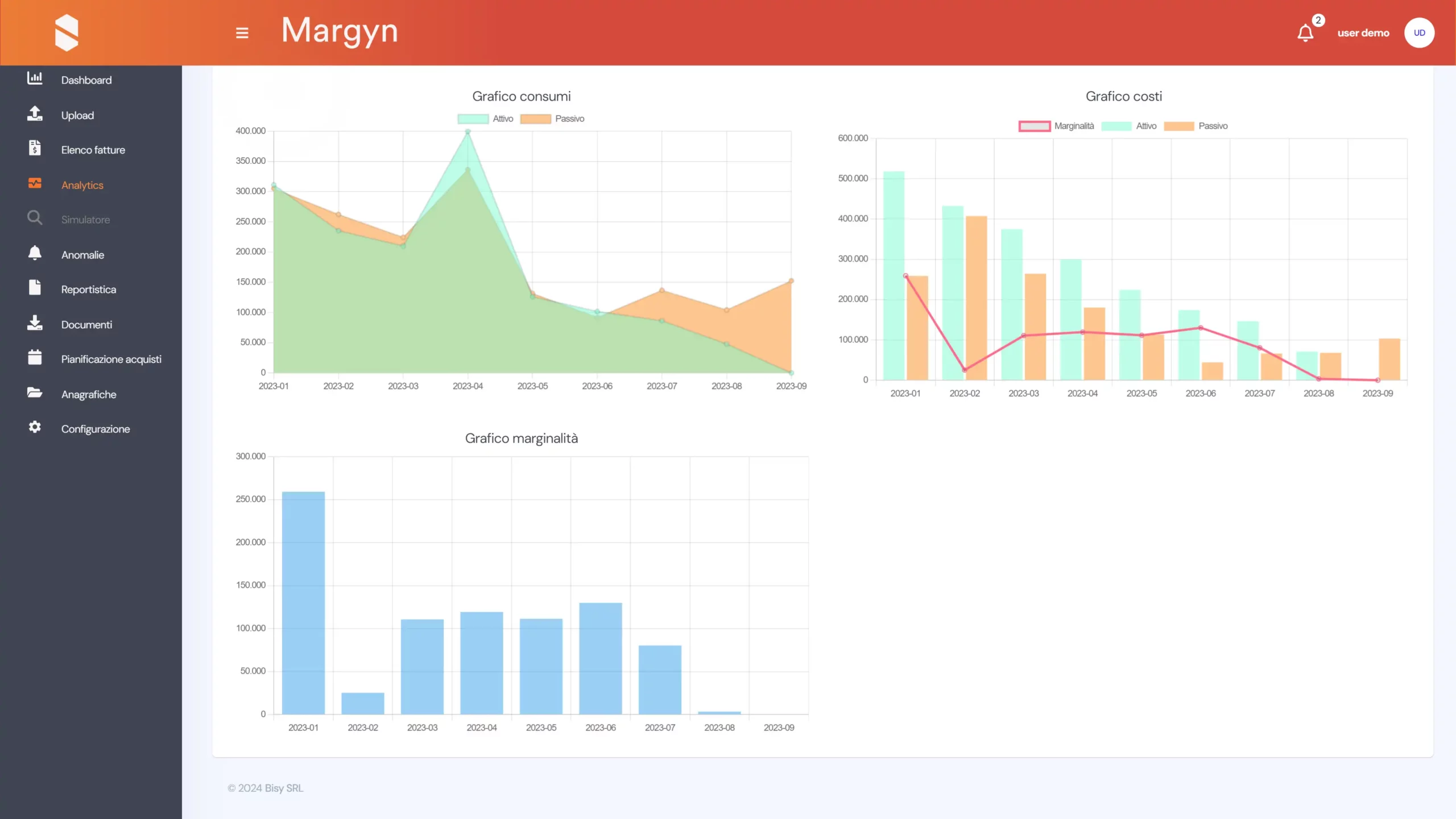
Basic Analytics
It allows users to view a range of indicators and charts relating to the energy data processed by the platform. Users can obtain a detailed overview of consumption trends, as well as costs and revenues, thereby enabling them to compare active and passive consumption, cost and revenue figures, and profit margins across specific segments (REMI, supply zone, sales price list, etc.).
|
✓ | ✓ |
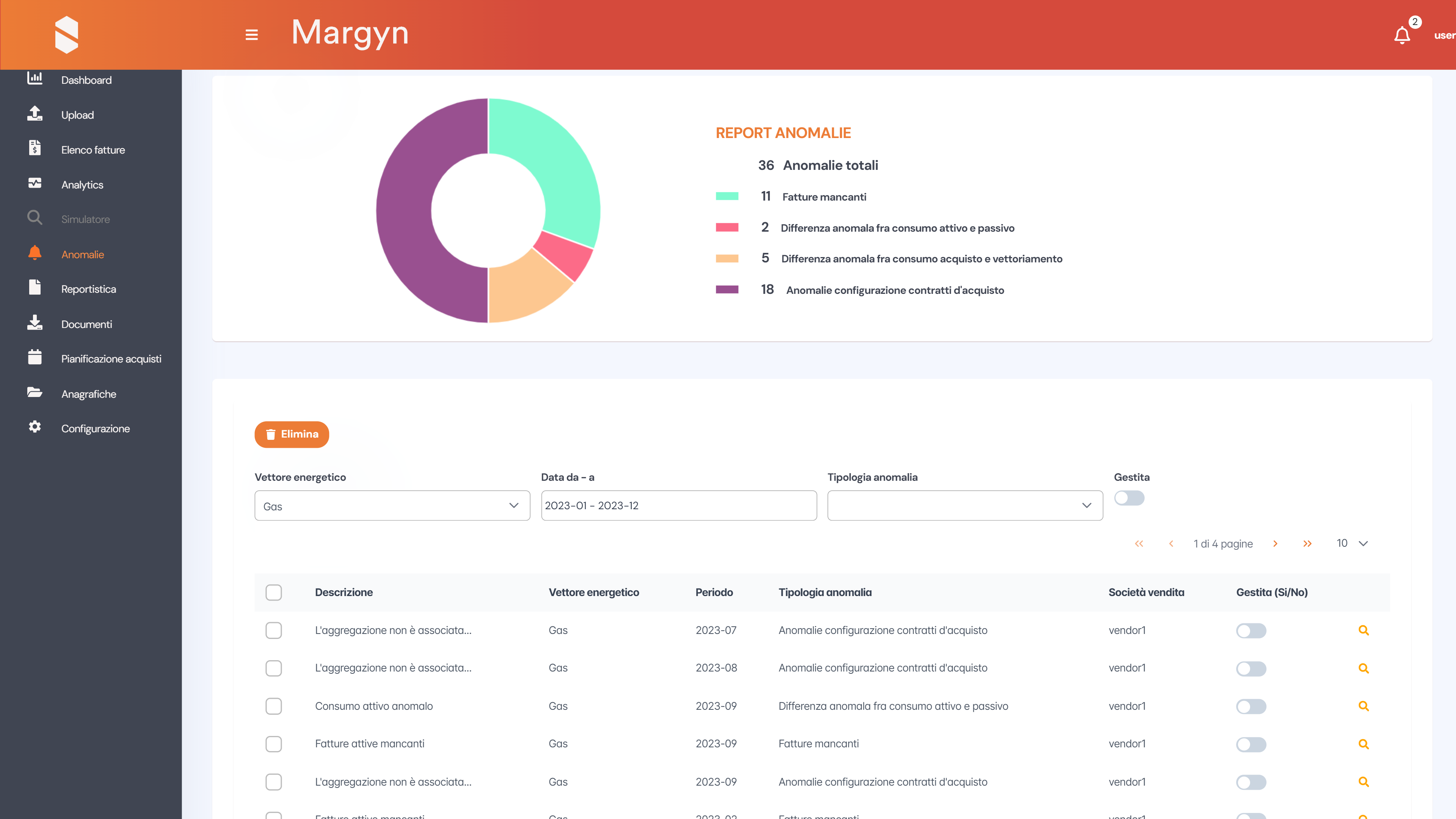
Basic Anomalies
This allows the user to receive an alert if MARGYN detects an anomaly relating to billing gaps (e.g. invoices not uploaded and/or not issued by the supplier) or unusual consumption in a given month (e.g. this month’s consumption exceeds the 15% threshold compared with the same month last year).
|
✓ | ✓ |
Advanced Analytics
It allows users to view a range of specific and detailed indicators and charts relating to the energy data processed by the platform. It provides a detailed overview of consumption trends, as well as costs and revenues, thereby enabling comparisons of active and passive consumption, cost and revenue figures, and profit margins across specific segments (REMI, Supply Zone, Sales Price List, etc.) and on specific cost items (e.g. transmission costs vs. distribution and transport costs for active invoices, dispatch and distribution vs. dispatch costs for active invoices, compensation, other costs and revenues, etc.).
|
✓ | ✓ |
Advaced Anomalies
It allows users to receive alerts should MARGYN detect anomalies and/or discrepancies in data relating to active and passive consumption, as well as expenditure and revenue items, and to monitor deviations in real time using constantly updated data (e.g. active and passive deviations in the capacity market, discrepancies between transmission costs and items charged on outgoing invoices, etc.).
|
✓ | ✓ |
Standard Reports
The platform allows users to download various types of standard reports containing pre-configured analyses, providing an overview of the data at both an aggregate and a detailed level.
|
✓ | ✓ |
Custom Reports
The platform allows users to generate and download various types of customised reports tailored to the client’s requirements.
|
✓ | ✓ |
Advanced Reports
The platform allows users to download reports containing pre-configured analyses related to its features, providing visibility into data at both an aggregate and detailed level.
|
- | ✓ |
Forecasts, allocations and expenditure budgets.
It allows you to use the platform’s simulation module to forecast energy costs, taking into account various operational requirements such as setting an annual budget, updating the budget through revisions, or generating monthly allocations for the administration.
|
✓ | ✓ |
Strategic Simulator
This feature, which utilises the platform’s simulation module, is designed to enable management to assess corrective measures aimed at improving retail margins and/or to make informed decisions regarding new commercial strategies in order to evaluate their impact on the company’s margins.
|
- | ✓ |
| Automation |
Standard Features |
Feasible Features |
Automatic retrieval of supplier invoice files in .xls/.csv/.xml format
This eliminates the need to manually upload supplier invoice data to the platform, meaning that users will find their invoices already analysed within the system.
|
✓ | ✓ |
Standard reports to support accounting
It allows you to download a standard report from the platform containing all the data required for posting purchase invoices.
|
€ | ✓ |
Customised report to support accounting
It allows you to download a customised report from the platform, based on the specifications provided by the customer, containing all the data required for the accounting of purchase invoices.
|
€ | ✓ |
Customised automated integration with a corporate accounting system, including API development
It enables the activation of an invoice approval workflow and the recording of the accounting data for an energy bill (breakdown of costs by cost centre and month) directly within the customer’s accounting software. This process may require the implementation of a bespoke integration, depending on the accounting system used by the customer.
|
- | ✓ |
Standard API for integration
The platform provides a set of RESTful APIs that enable customers to easily integrate Margyn with other business software applications.
|
- | ✓ |
| Support |
Standard Features |
Feasible Features |
Technical support ticketing portal
It allows customers to create support tickets in the event of technical issues when using the platform
|
✓ | ✓ |